Skip to content
layerpsd

Image to PSD with layers

LayerPSD turns a flat JPG, PNG or WebP into a layered Photoshop file: every element on its own transparent layer, the background filled in behind it, and text you can edit — from $0.018 per layer, no subscription.

  • $0.018 per layer
  • No subscription
  • One free split with Google
  • Runs in your browser
Model
Layers
Resolution
Auto finds every element (up to 16 per pass). Billed per output: at most $0.31 for 17 images. Takes about 35–116 s.

New here?

Split one image into transparent layers

Upload one image. The model fills in the background as a base image and cuts text, people, products and other elements into separate transparent PNGs.

  1. 1Upload 1 image
  2. 2Pick a layer count
  3. 3Billed per output image
See real layered PSD examples

How it works

From a flat image to a layered PSD in three steps

  1. 1

    Upload one image

    A poster, flyer, thumbnail, product banner or illustration — JPG, PNG or WebP up to 50 MB.

  2. 2

    Split it

    Seedream 5.0 finds the elements, cuts each onto a transparent layer and repaints the background behind them. About 35–116 seconds.

  3. 3

    Download the PSD

    Hide, move or split any layer again, then export a layered PSD (optionally with editable text), a ZIP of PNGs, or single layers.

Real result

What one split looks like

Not a mock-up: this is the actual output of one run, with the model, time and cost it took. Download the PSD and open it yourself.

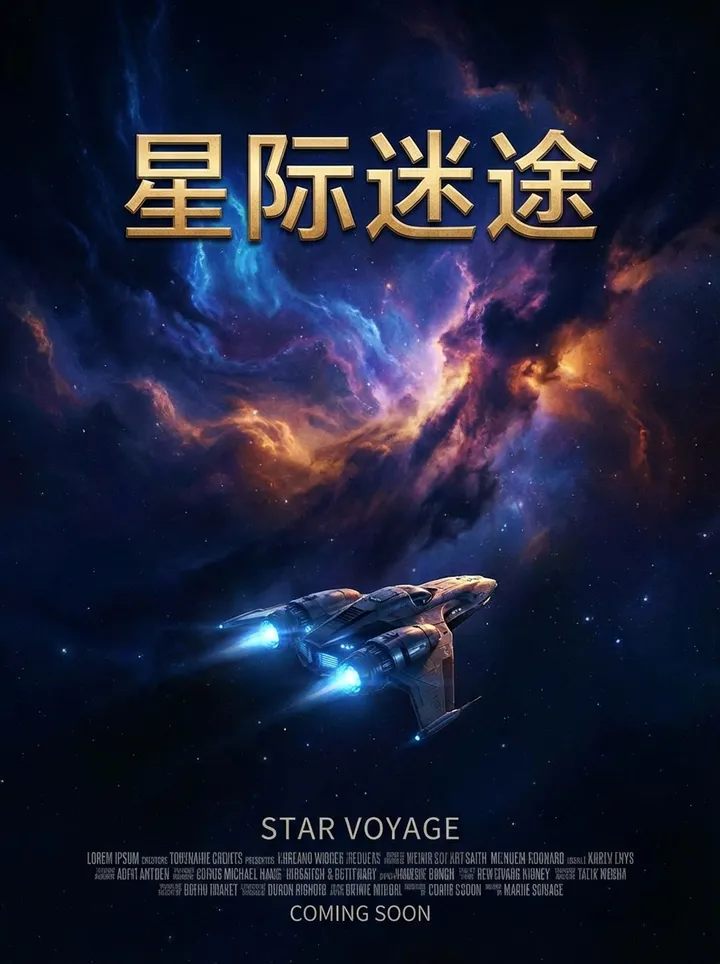
Movie poster — original flat image
Original (one flat image)

Background (hidden areas filled) + 5 layers
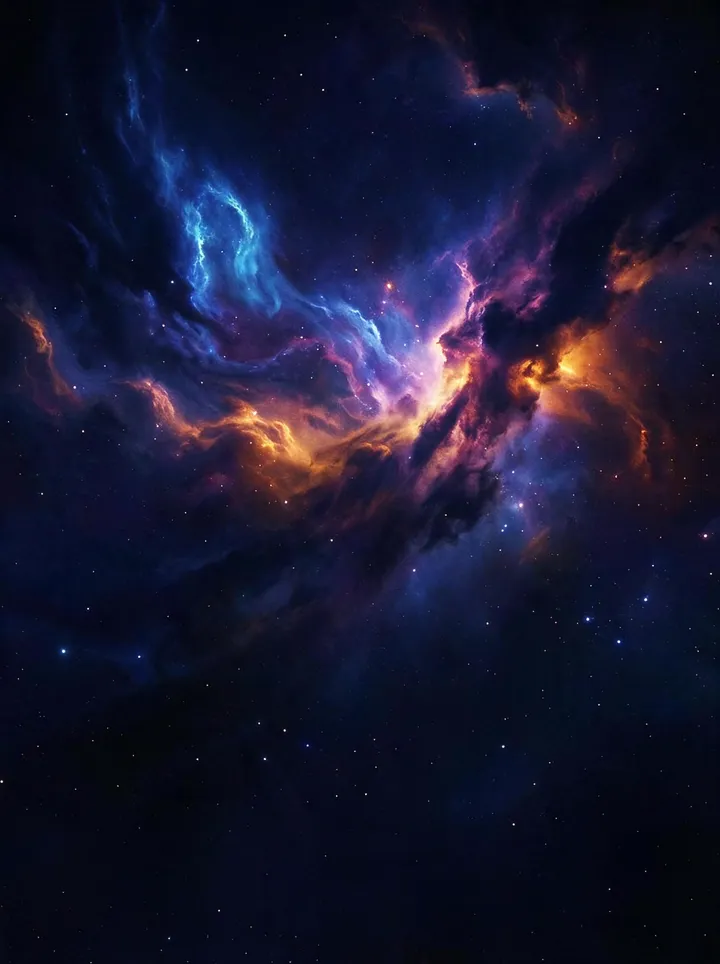
  • Movie poster — filled background layer

    Background

  • Movie poster layer: Cast and crew text block

    Cast and crew text block

  • Movie poster layer: Release notice COMING SOON

    Release notice COMING SOON

  • Movie poster layer: English subtitle STAR VOYAGE

    English subtitle STAR VOYAGE

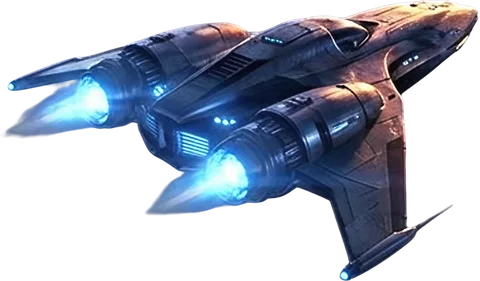
  • Movie poster layer: Starship

    Starship

  • Movie poster layer: Main title Interstellar Lost

    Main title Interstellar Lost

Movie poster

Seedream 5.0 Flash · 2K · 6 images · 56 s · $0.11 · run 2026-09-27

Download PSD (5.7 MB)

See all examples →

What's in the file

A PSD you can actually keep working on

  • One element per layer

    People, products, logos, icons and blocks of text each land on their own transparent RGBA layer, named by what they contain.

  • Background filled in

    The base layer is the scene with the elements removed and the hidden area repainted, so you can move things without leaving holes.

  • Editable text (beta)

    Export text as real Photoshop type layers — stroke, glow, shadow and gradient come across as layer styles. Hard lettering stays as pixels.

  • Split any layer again

    A grouped layer can be split once more; the pieces nest under it, as deep as you need.

  • Change the words, keep the lettering

    Retype a text layer and the model redraws the new words in the same font style, color and effects.

  • PSD, ZIP or PNG

    A standard RGB PSD opens in Photoshop, Photopea, Affinity and GIMP. The ZIP keeps the same layer order as numbered PNGs.

Need the text editable? How editable text export works →

Not a file converter

Why “JPG to PSD” usually gives you one layer

Most image-to-PSD converters only change the file format. The picture is still one flat layer inside the PSD. Splitting is a different job.

ToolWhat it doesLayersBackground filledEditable text
JPG to PSD converterWraps the image in a PSD with a single layerNoNoNo
Background removerCuts out one subject1 cutoutNoNo
LayerPSDSplits every element and repaints the backgroundUp to 16 per pass, more on requestYesBeta

Pay per layer. No plan to cancel.

Every run is billed by the images it returns: $0.018 each on Flash, $0.12 on Pro. Your first split is free after Google sign-in.

See pricing
4 layers
$0.09
8 layers
$0.16
Auto, busy poster
$0.31
First split
Free

Questions

How can I convert a picture to layers?

Upload the picture here and press Split into layers. The model separates each element onto a transparent layer and fills in the background behind them, then you download a layered PSD. On Seedream 5.0 Flash it costs $0.018 per output image; one run returns the background plus up to 16 layers.

Can a JPEG be a layered file?

No. JPEG and PNG store one flat image, which is why a plain JPG-to-PSD converter gives you a single layer. To get real layers the image has to be taken apart — that is what the AI split does.

Are these the original layers of the design?

No. A flat image does not remember how it was built. The layers are rebuilt by the model from what it sees, and areas that were covered are repainted, so fine details can differ from the original file.

How do I make the text in an image editable?

After splitting, export "PSD with editable text (beta)". Text layers are read and written as Photoshop type with the stroke, glow, shadow and gradient as layer styles. Lettering it cannot read reliably stays as a pixel layer, so nothing is lost.

How many layers do I get?

Choose Auto to split as finely as possible (up to 16 elements per pass, with extra passes on busy images), or ask for 3, 4, 6 or 8 layers and the model merges the rest into them. Fewer layers cost less and finish sooner.

Is it free?

Sign in with a Gmail account for one free split (Flash, 1K, background + 4 layers). After that it runs on your own LaoZhang API key, billed per output image: $0.018 on Flash or $0.12 on Pro. There is no subscription.

Can AI edit PSD files?

LayerPSD does not open existing PSDs; it builds a layered PSD from a flat image. Inside the result you can re-split layers and retype text with AI, then keep editing the PSD in any layer-capable editor.